CoinBelieve has deployed a comprehensive platform update focused on strengthening security, expanding research functionality, and improving communication reliability.
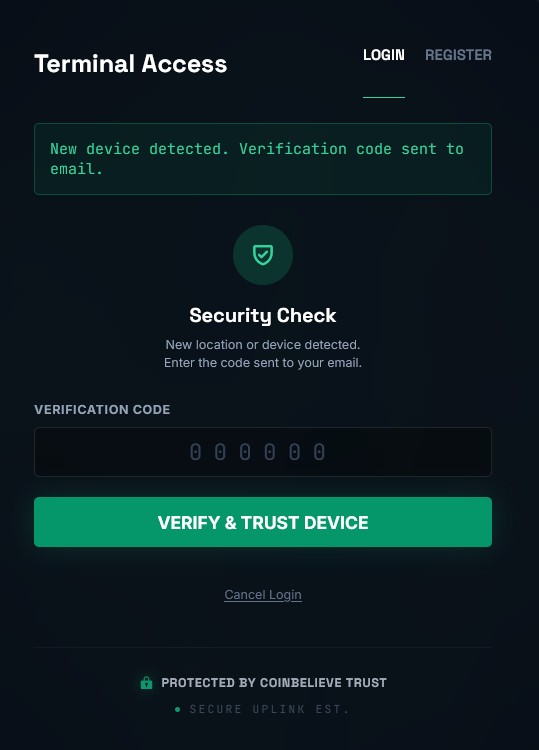
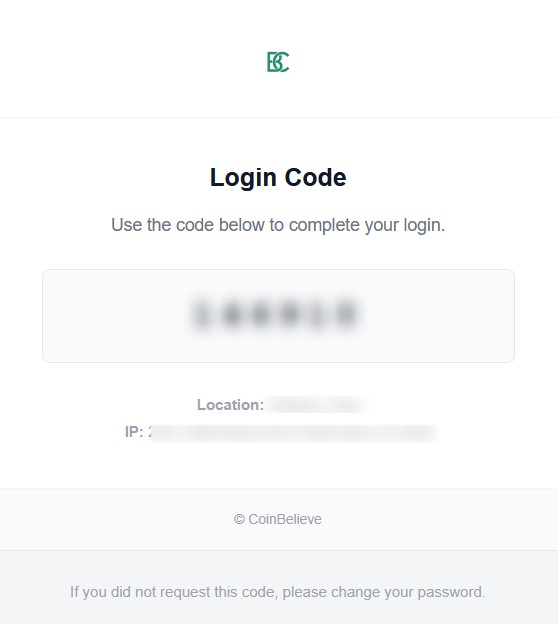
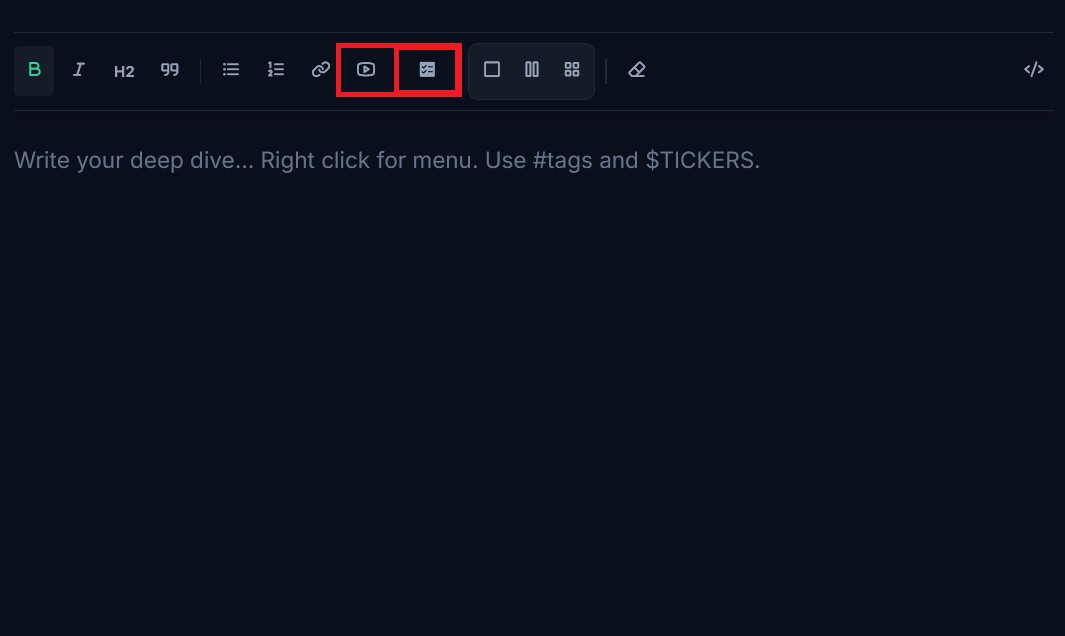



The following updates are now active:
1. Trusted Device Management
A Trusted Device protocol has been introduced to improve session continuity for verified users. After a successful login and Two-Factor Authentication (2FA) verification, users may establish a secure session on their primary device for up to 45 days. This reduces repetitive verification on recognized hardware while maintaining strict security controls.
2. Adaptive Threat Detection
Our authentication system now includes enhanced location-based anomaly detection. Login attempts are evaluated against established access patterns.
- Standard Access: Logins from recognized devices and locations proceed without interruption.
- Elevated Security: Attempts from new devices, unfamiliar IP addresses, or different geographic regions automatically trigger mandatory 2FA verification.
3. Major Email & Alert System Improvements
The email and alert infrastructure has undergone significant upgrades. Users will experience faster, more reliable delivery of One-Time Passwords (OTP), security alerts, system notifications, and administrative messages. Alert consistency and delivery accuracy have been substantially improved.
4. Research Station Enhancements
The Research Station now supports embedded YouTube videos, allowing users to include external visual references directly within research content.
In addition, users can now create MCQ (Multiple Choice Question) tasks, available through:
- Single task creation, and
- Bulk task creation using JSON format, enabling efficient large-scale input for structured research or assessments.
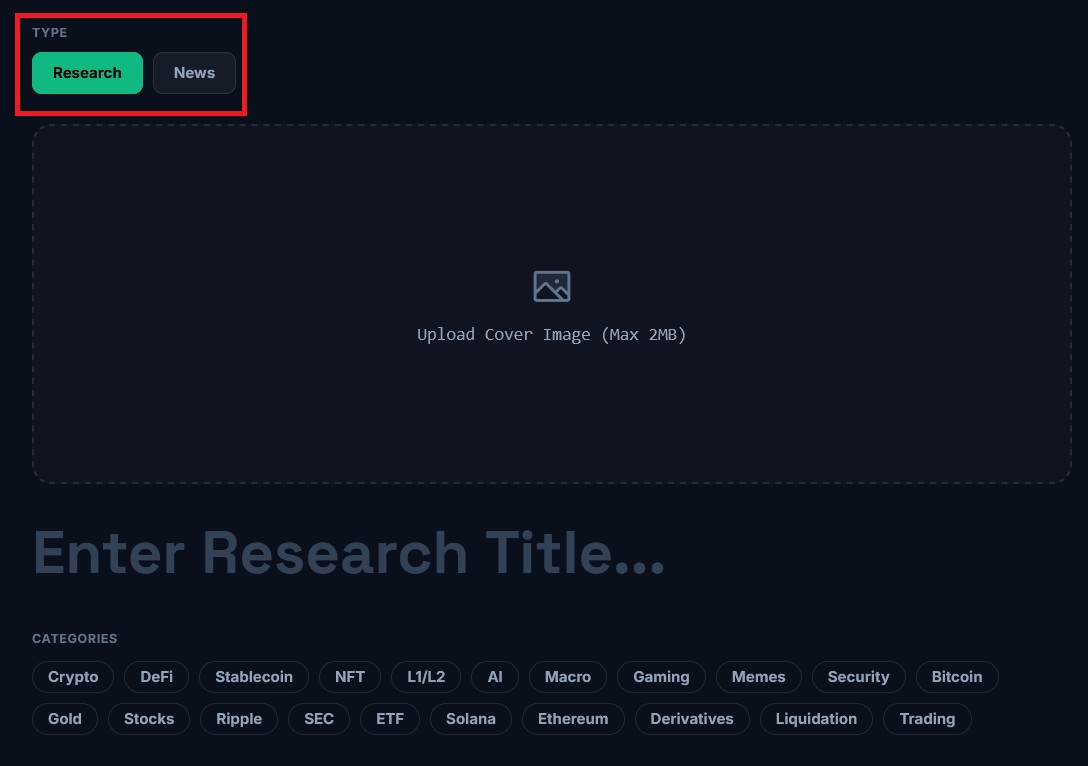
5. Research Type Selection
Users can now choose between Normal Research and News-Based Research when creating or viewing research content, allowing clearer separation between analytical work and real-time information tracking.
Source: CoinBelieve
6. Short Intel Section on Home Page
A new Short Intel section has been added to the home page. This area highlights concise, high-priority insights for quick access without navigating deeper research pages.
Source: CoinBelieve
7. Email Visibility Control
A new email visibility switch is available in user settings. Users may choose to hide or display their email address publicly. This option supports transparency for users who wish to make their contact information visible while preserving privacy by default.
Source: CoinBelieve
8. Research Collaboration – Team-Based Intelligence
CoinBelieve is upgrading the Research Station. You no longer have to work alone. You can now invite other analysts to work on a single piece of research in real-time.
How It Works:
1. For Research Owners (Lead Author)
- Open the Research Editor
- Click the @ button in the toolbar
- Search for a user by username
- Click Invite
The invitation is sent immediately via Notification and Email. You do not need to save the post to send the invite.
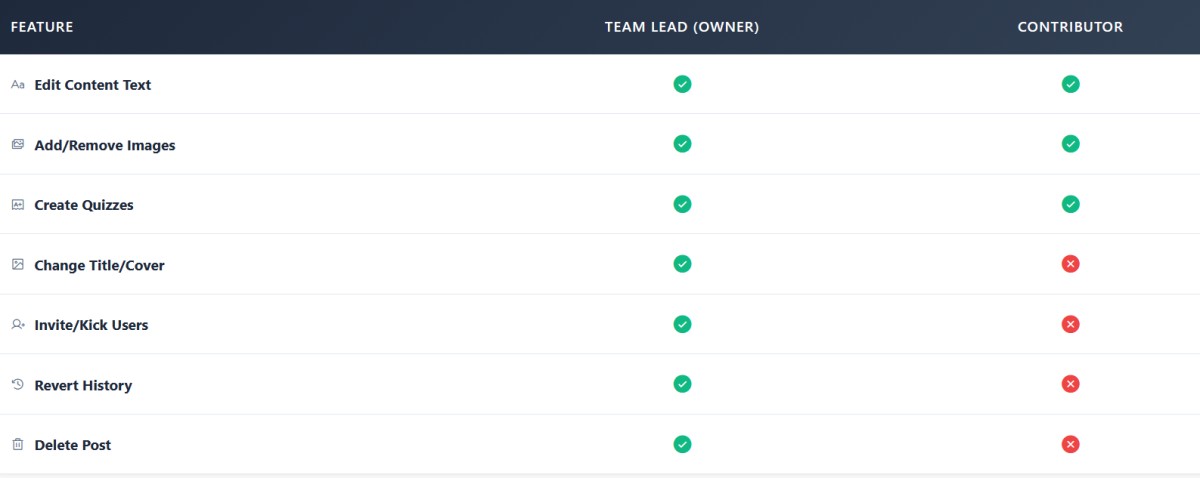
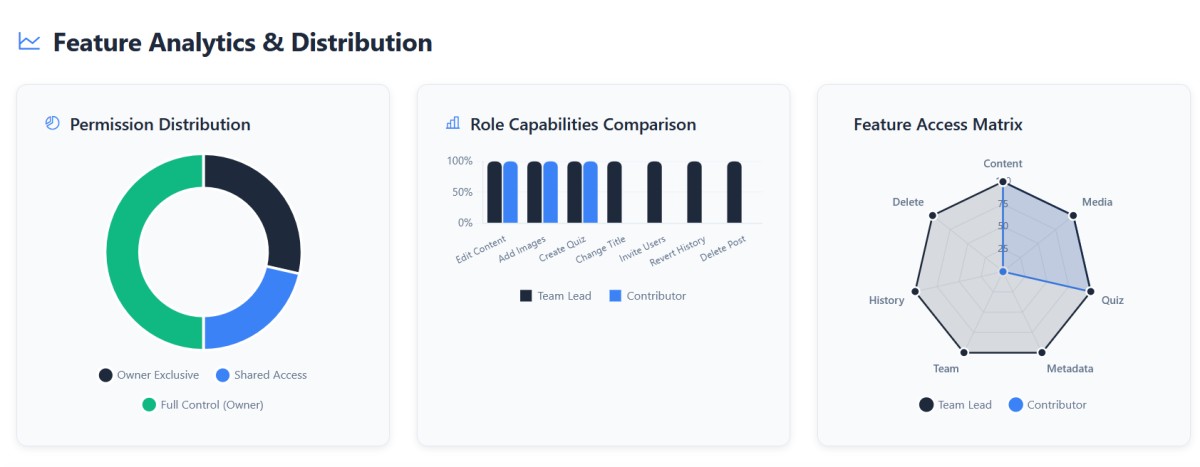
Note: As the Lead Author, you retain full control. Only you can edit the Title, Cover Image, and Categories. You can remove collaborators at any time.
2. For Contributors
- You will receive a notification: "UserX invited you to edit research..."
- Click the link to view the invite
- Accept the invitation
- The draft will appear in your Dashboard
Once accepted, you have full access to edit the Content Body (Text, Charts, Images, Quizzes), but you cannot change the Title or metadata.
3. Safety & Version History ??
Collaboration requires trust, but we've built a safety net.
- Every time a draft is saved (by the Owner or a Contributor), a Version Backup is created automatically
- Owner Exclusive: The Lead Author can click the History Button (?) in the editor header to view previous versions
- If a mistake is made, the Owner can Revert the content to any previous state instantly
This ensures no work is ever lost and gives owners complete control over the final output.
All Updates Are Live and Operational
These improvements are available to all users immediately. No action is required to access new features—simply log in and explore the enhanced platform.
— The CoinBelieve Team

About Coinbelieve Security
The official source for Coinbelieve security announcements, research publications, and risk notifications. All updates are issued to support user safety and system reliability.
Intelligence Stream
Coinbase Raises Long-Term Quantum Security Questions Around Bitcoin
30 Reads
Author Update
🚨 Trust Wallet Chrome Extension Exploit Drains ~$7 Million — Wallet Security Back in Focus
27 Reads
Author Update
Modern Crypto Scams in 2025: How Advanced Threats Operate and How to Identify Them
37 Reads
Author Update
📢 Official Announcement — CoinBelieve Monetization Is Live
56 Reads
Most Viewed