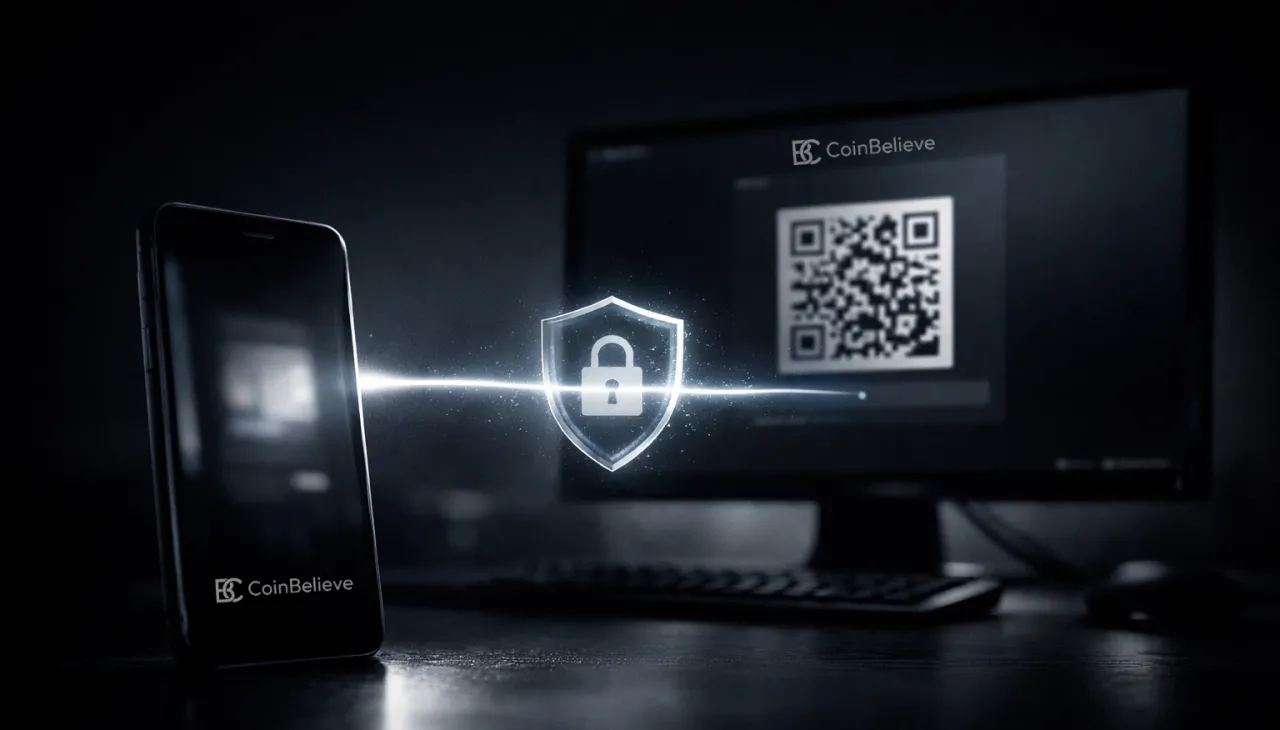
CoinBelieve is pleased to announce the launch of Smart Login, a new access system that allows users to sign in to their desktop accounts by simply scanning a QR code with their mobile phone.
This release marks an important step in CoinBelieve’s ongoing effort to deliver infrastructure that balances strong security with a smooth user experience. Entering long passwords on desktop devices is not only inconvenient, it also exposes users to risks such as keyloggers, screen capture malware, and shoulder surfing. Smart Login removes this entire attack surface.
With Smart Login, your phone becomes your physical access key.
Once your mobile device is registered as a trusted device, you can log in to your CoinBelieve dashboard on any desktop by scanning a QR code and approving the request on your phone. No password entry. No OTP typing. No repeated confirmations.
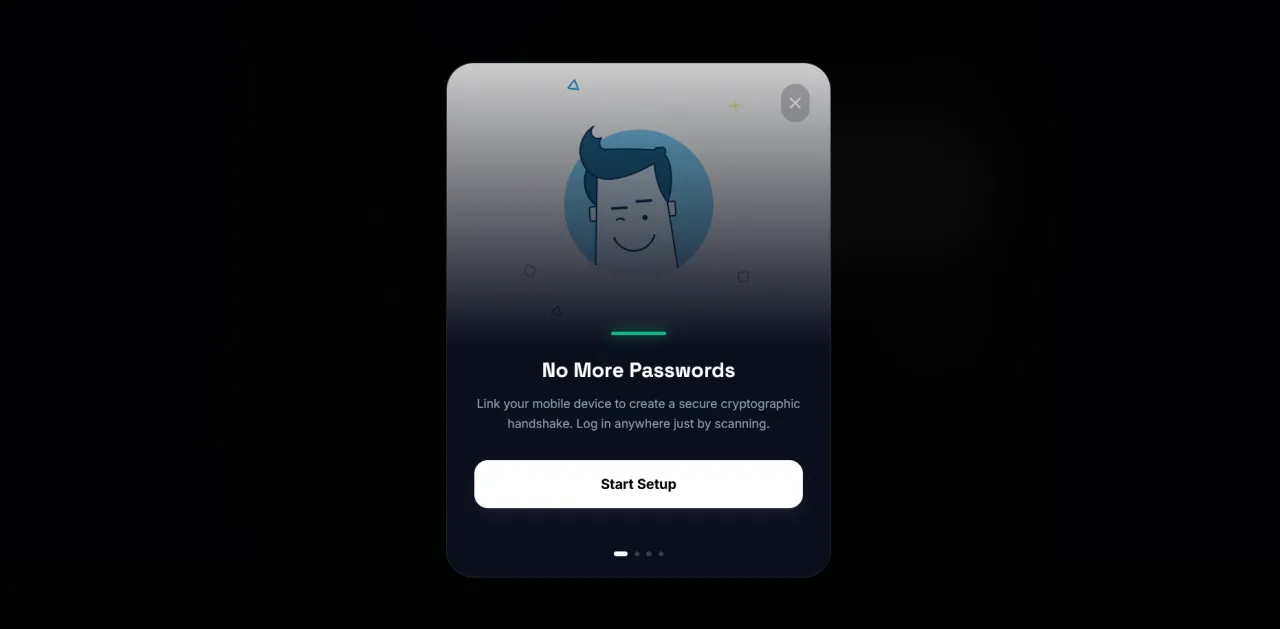
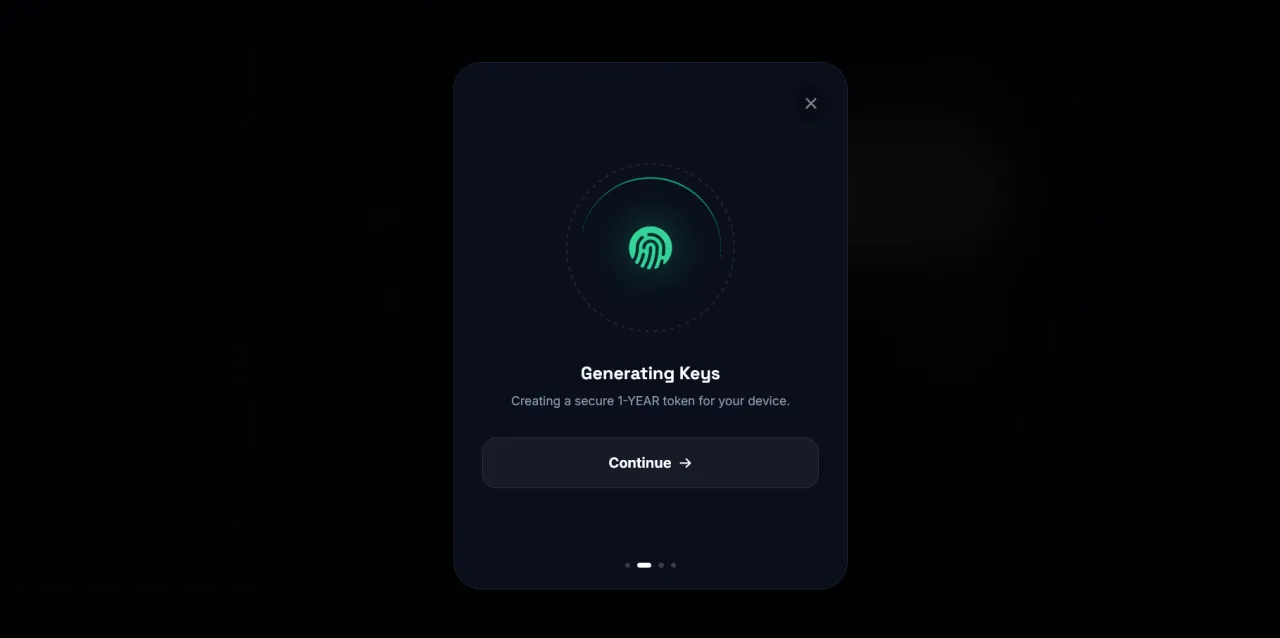
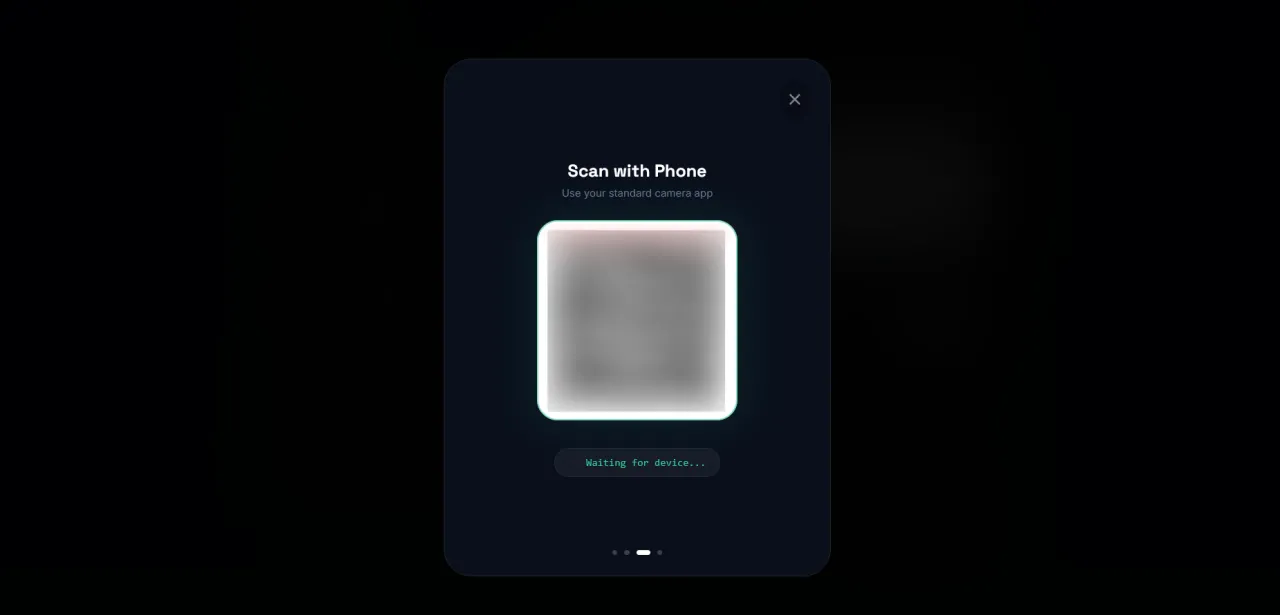
The experience is simple:
Open Smart Login on the desktop login screen.
Scan the QR code with your phone camera.
Tap Approve.
Scan the QR code with your phone camera.
Tap Approve.
Access is granted instantly.
Security Architecture
Smart Login is built on a dual-layer trust model designed for financial applications.
Browser Trust (Session Hall Pass) After a successful standard login, your browser is marked as trusted, allowing you to bypass OTP challenges on that device for up to 45 days.
Device Trust (Master Authorization Key) During Smart Login setup, a high-entropy cryptographic key is securely generated and stored on your mobile device. Only this device has the authority to approve new desktop login requests.
This means that even if an attacker were to obtain session data from your computer, they still could not log in without physical access to your unlocked phone.
Multi-Account Support
Smart Login supports multiple CoinBelieve accounts on a single device.
Users managing personal accounts, strategy accounts, or trading bots can store authorization keys for all of them on the same phone. When a QR code is scanned, the system automatically selects the correct account and key without requiring any manual switching.
Setup
Log in to CoinBelieve on your mobile phone.
Navigate to Settings (Config) → Devices → Setup Smart Key.
Tap Trust This Device.
Setup takes less than 30 seconds.
Availability
Smart Login is available starting today for all CoinBelieve users.We encourage every user to enable this feature and experience a faster, safer way to access their account.
— The CoinBelieve Team
About Coinbelieve Official
This is the official communication channel of Coinbelieve. We publish platform announcements, product updates, policy notices, and research reports to ensure transparency and informed participation.